
VoIP device setup: the checklist that actually prevents support tickets
Deskphones, DECT cordless handsets and softphones each fail in their own way. Most of those failures trace back to the network, not the phone. Here is the field-tested order of operations for a clean South African rollout.
What is the right order to set up VoIP devices?
Sort the network before you touch a single phone: a voice VLAN, QoS tagging and enough PoE budget. Then register each endpoint to its SIP account, load the right codec, and test for two-way audio and failover before users go live. The phone is rarely the problem; the LAN usually is.
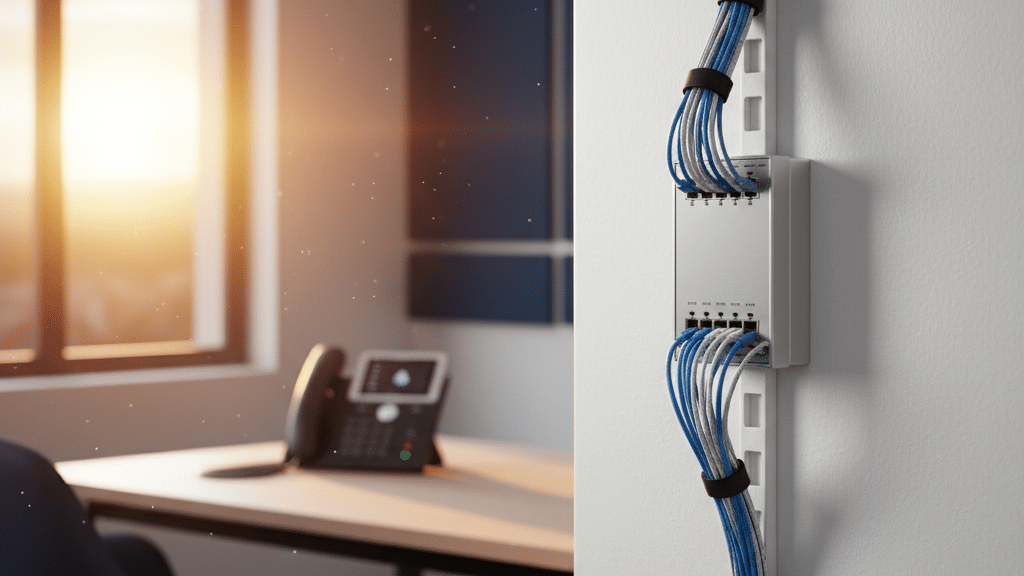
Sort the network before the phones
Dropped calls, one-way audio and endless support tickets almost always come from the LAN, not the handset. Fix the foundation first.
Voice traffic is time-sensitive in a way that email and file transfers are not. A 200ms delay nobody notices on a download turns a call into a stilted, talk-over-each-other mess. That is why the network comes first.
The three things that protect call quality
The signal path of one VoIP call
Deskphones (IP phones)
The most visible endpoint and the easiest to get right, provided the network groundwork is done.
Most desk handsets are close to plug-and-play once the LAN is ready. The work that trips people up is registration and, for larger rollouts, provisioning.
DECT cordless phones
DECT gives staff mobility around a site, but coverage planning is the step people skip and regret.
A DECT system pairs handsets to a base station. The base does the SIP registration; the handsets ride on the base. The two things that go wrong are pairing and range.
Softphones
No hardware to ship, which makes softphones ideal for remote and hybrid staff, but the audio device and network are now the user’s responsibility.
A softphone is an app on a laptop or mobile that registers to the same SIP account a desk handset would. Setup is quick; the support load shifts to headsets and home networks.
Deskphone, DECT or softphone: which fits where
Most businesses end up with a mix. Match the endpoint to how the person actually works.
| Factor | Deskphone | DECT | Softphone |
|---|---|---|---|
| Best for | Fixed desks, reception | Moving around a site | Remote and hybrid staff |
| Hardware cost | Per handset | Base plus handsets | None |
| Power need | PoE or adapter | Base station power | Device battery |
| Main setup risk | SIP registration | Coverage planning | Audio device choice |
| Audio consistency | Most predictable | Depends on range | Depends on user network |
A VoIP phone that drops calls is almost never a faulty phone. It is a network that was never set up to carry voice.
WhichVoIP editorial view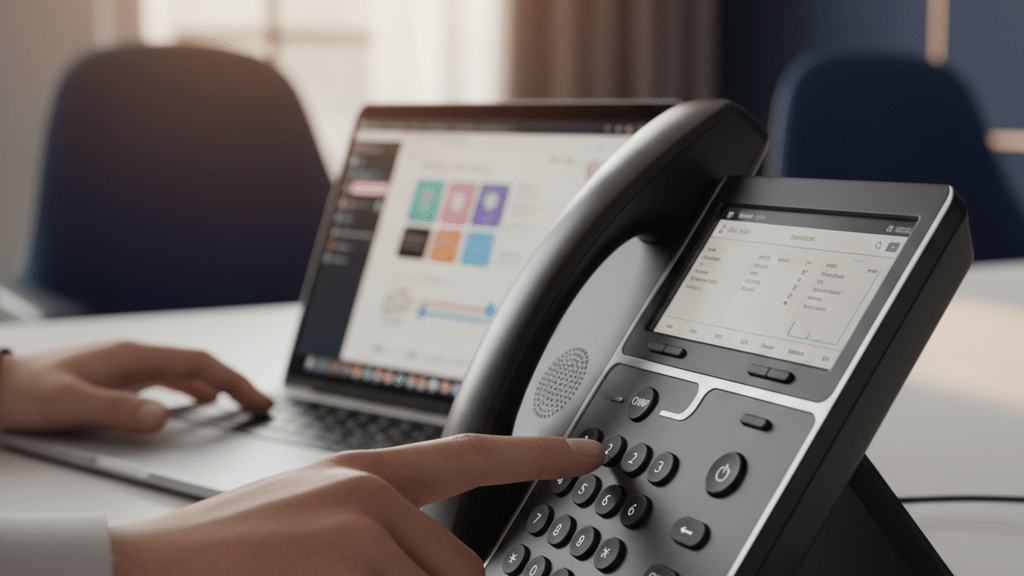
Our verdict
VoIP hardware is mature and forgiving. The difference between a smooth rollout and a week of tickets is almost entirely the groundwork: a voice VLAN, QoS, enough PoE, and a real test on each endpoint before users touch it. Get that right and deskphones, DECT and softphones all behave.
Planning a VoIP rollout?
Compare South African business VoIP and hosted PBX providers, then get tailored quotes for your number of users and sites.
Frequently asked questions
Do I need a special switch for VoIP deskphones?
Why do I have one-way audio on VoIP calls?
What is auto-provisioning and do I need it?
Can I use a softphone instead of a desk handset?
How do I test a VoIP phone before going live?
Keep reading
Sources: IETF RFC 3261 (SIP); ITU-T G.711 / G.722 / G.729 voice codec standards; IEEE 802.3af / 802.3at (Power over Ethernet); ETSI DECT standard. Verified 02 June 2026.